
Pricing and Billing
Keeping your billing information up to date helps prevent any interruptions and ensures you can continue using all features without disruption. It also allows you to easily order physical copies of your book(s).
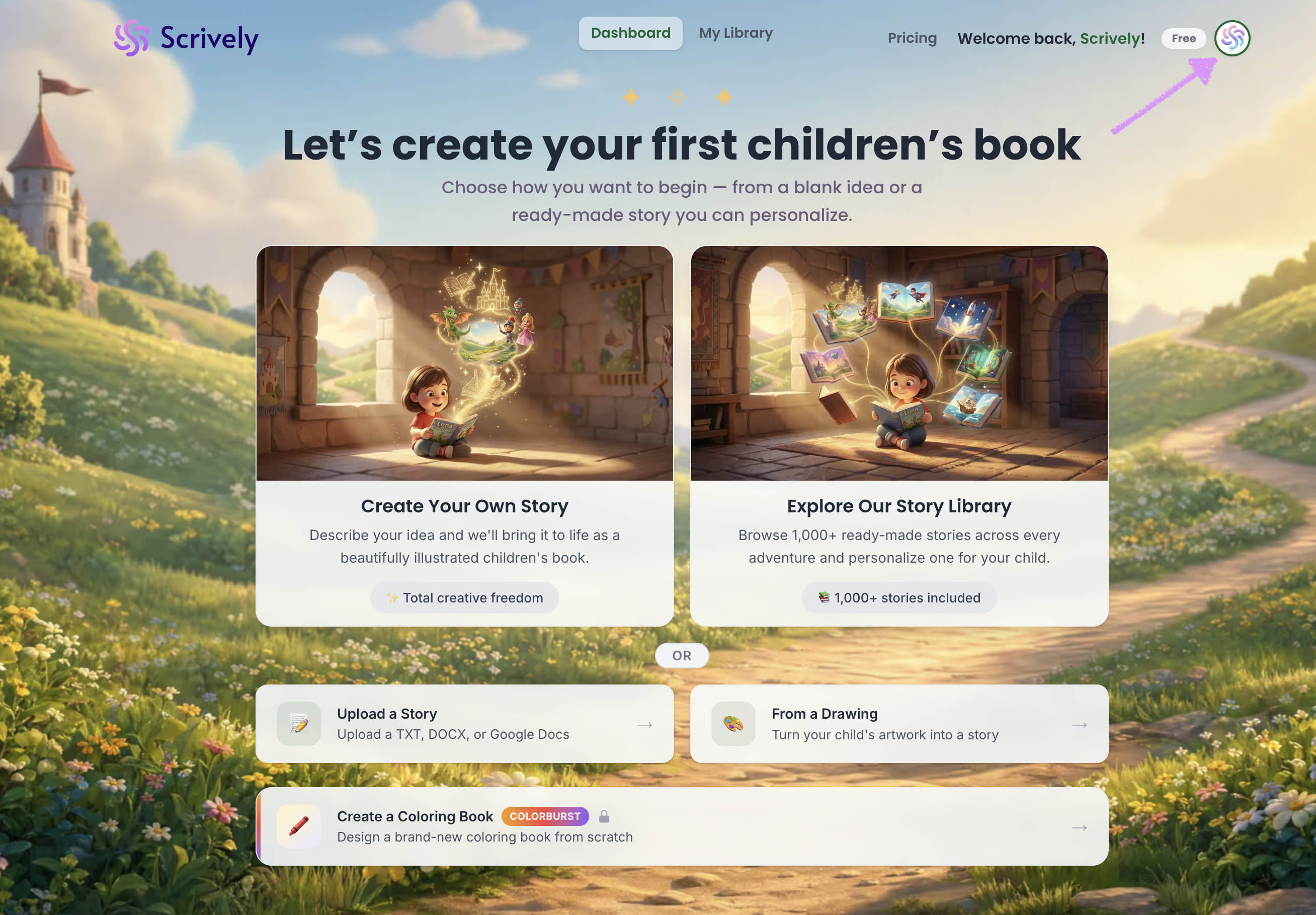
Navigate to your avatar at the top right side of the app.
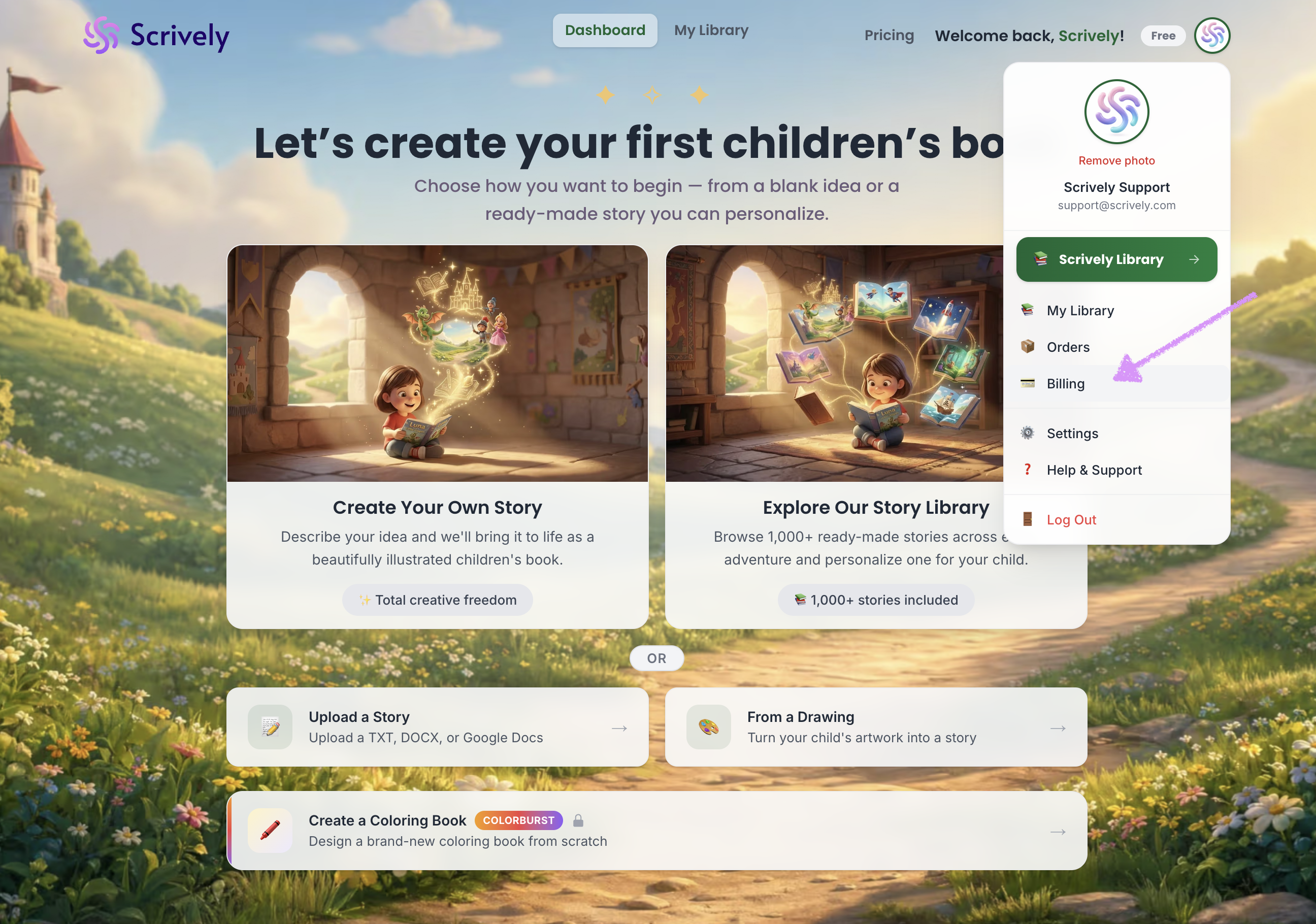
Select "Billing."
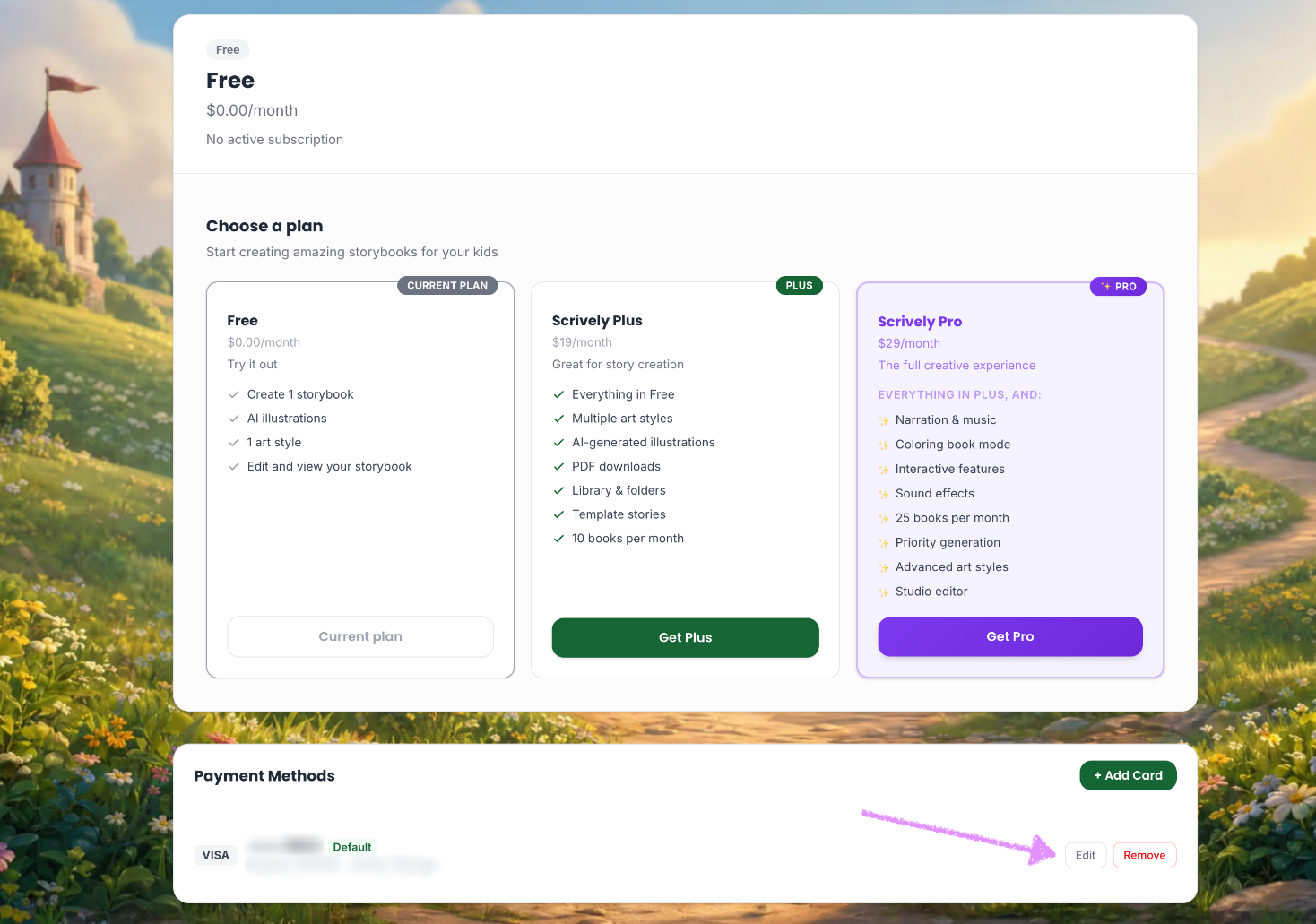
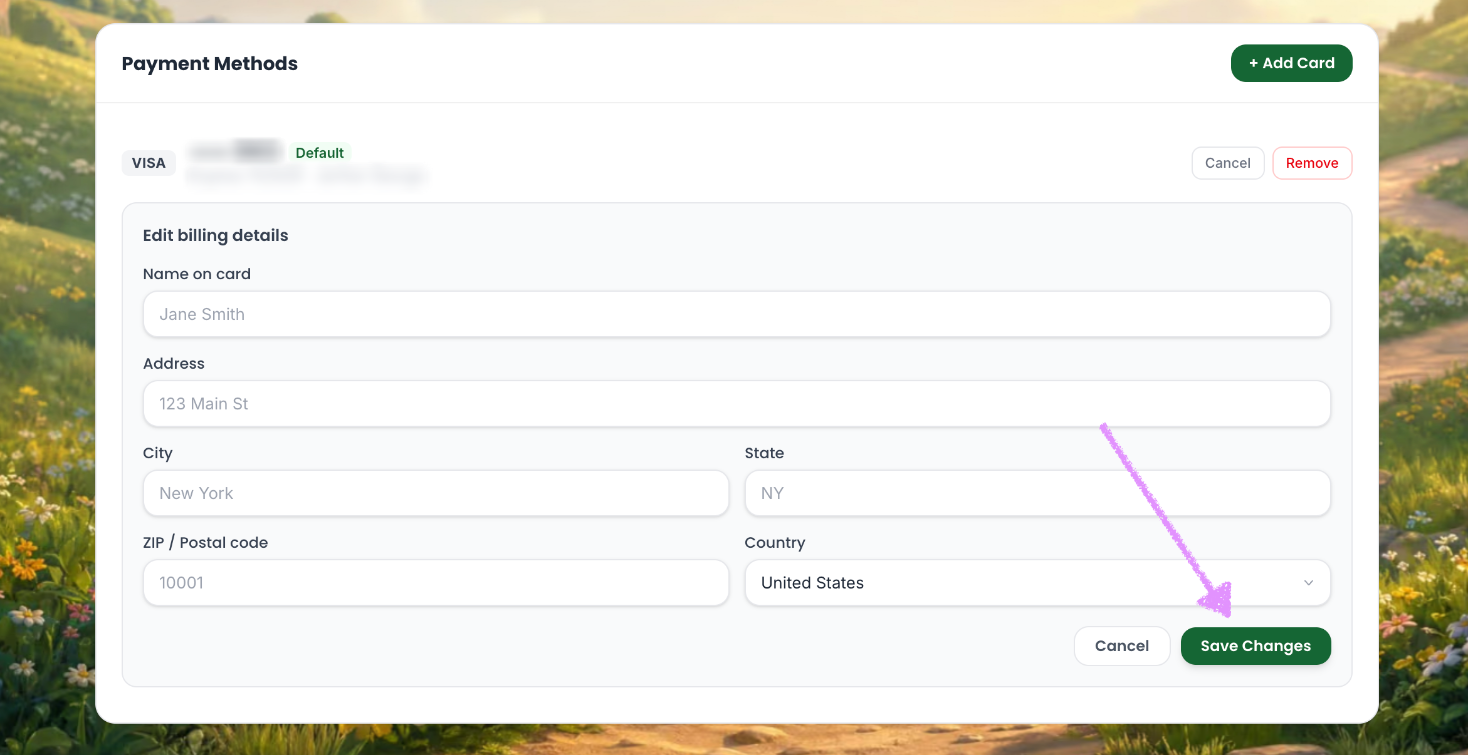
Scroll down to "Payment Methods" then, click on "Edit."
Enter the new billing details.
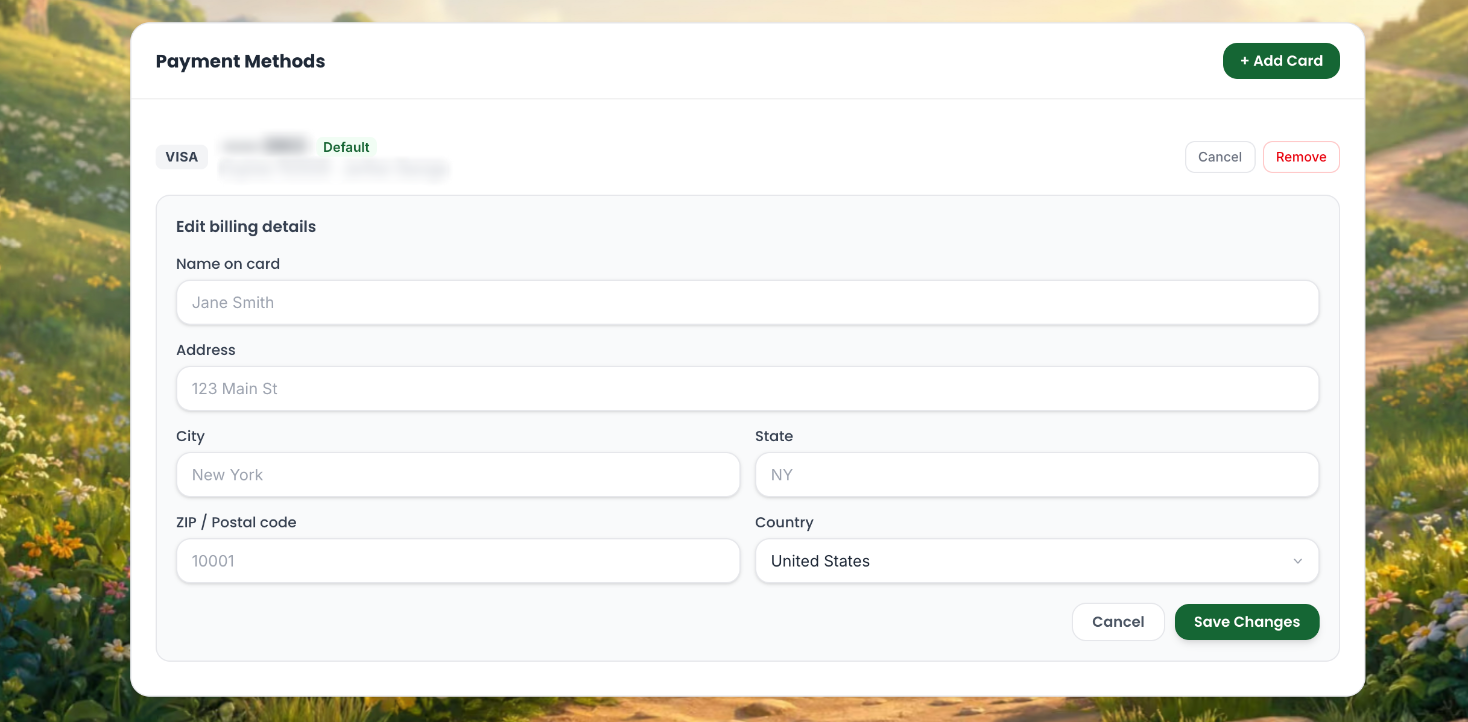
Click on "Save Changes." The new billing details will be applied.
Was this article helpful?
That’s Great!
Thank you for your feedback
Sorry! We couldn't be helpful
Thank you for your feedback
Feedback sent
We appreciate your effort and will try to fix the article
