
Every child’s drawing tells a story, so why not turn it into one? In the Scrively Web App, you can transform your child’s artwork into a beautifully illustrated storybook. Their imagination leads the way, and you’ll create a keepsake you can both treasure forever.
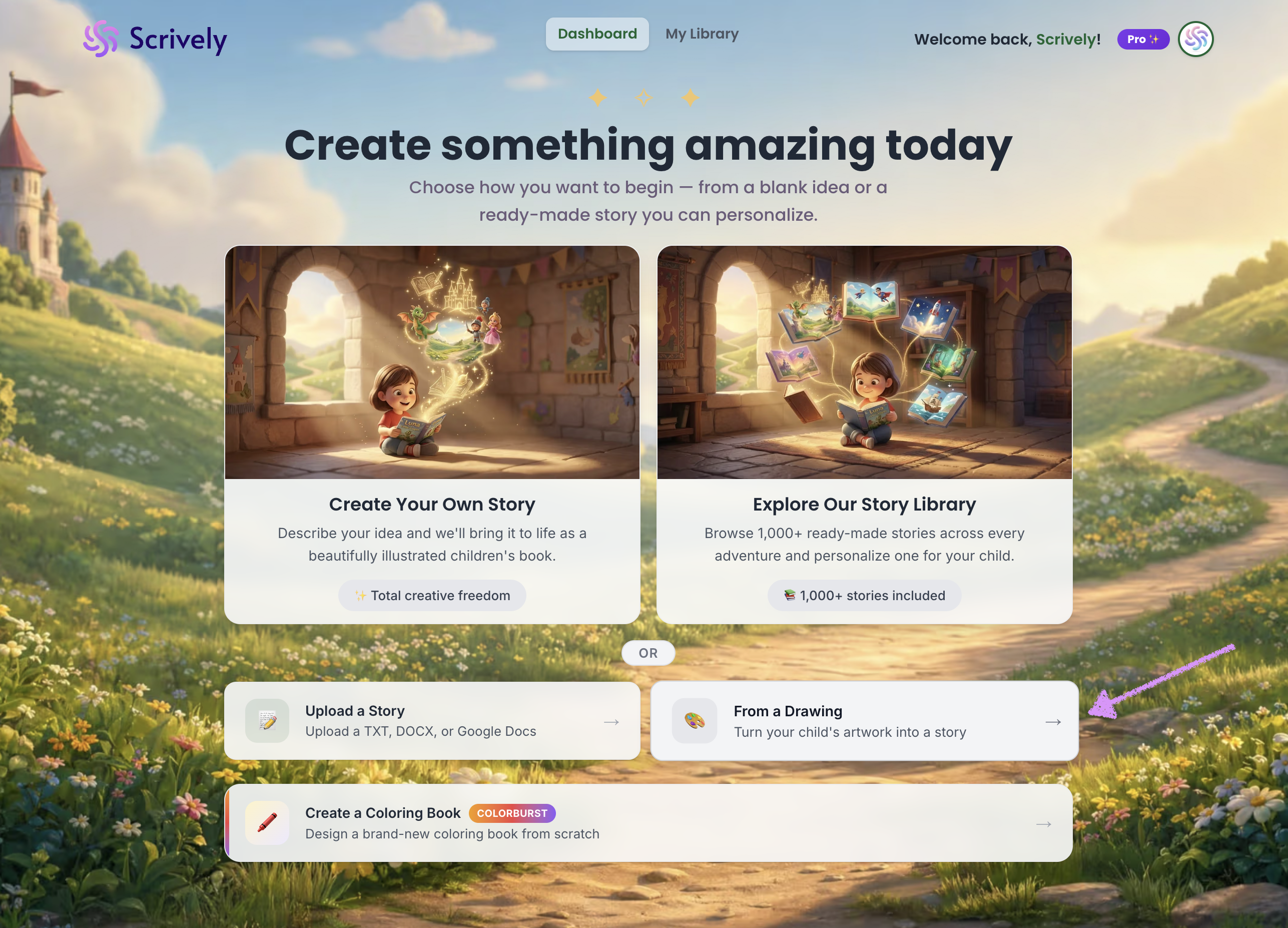
From the Dashboard, click on “From a Drawing.”
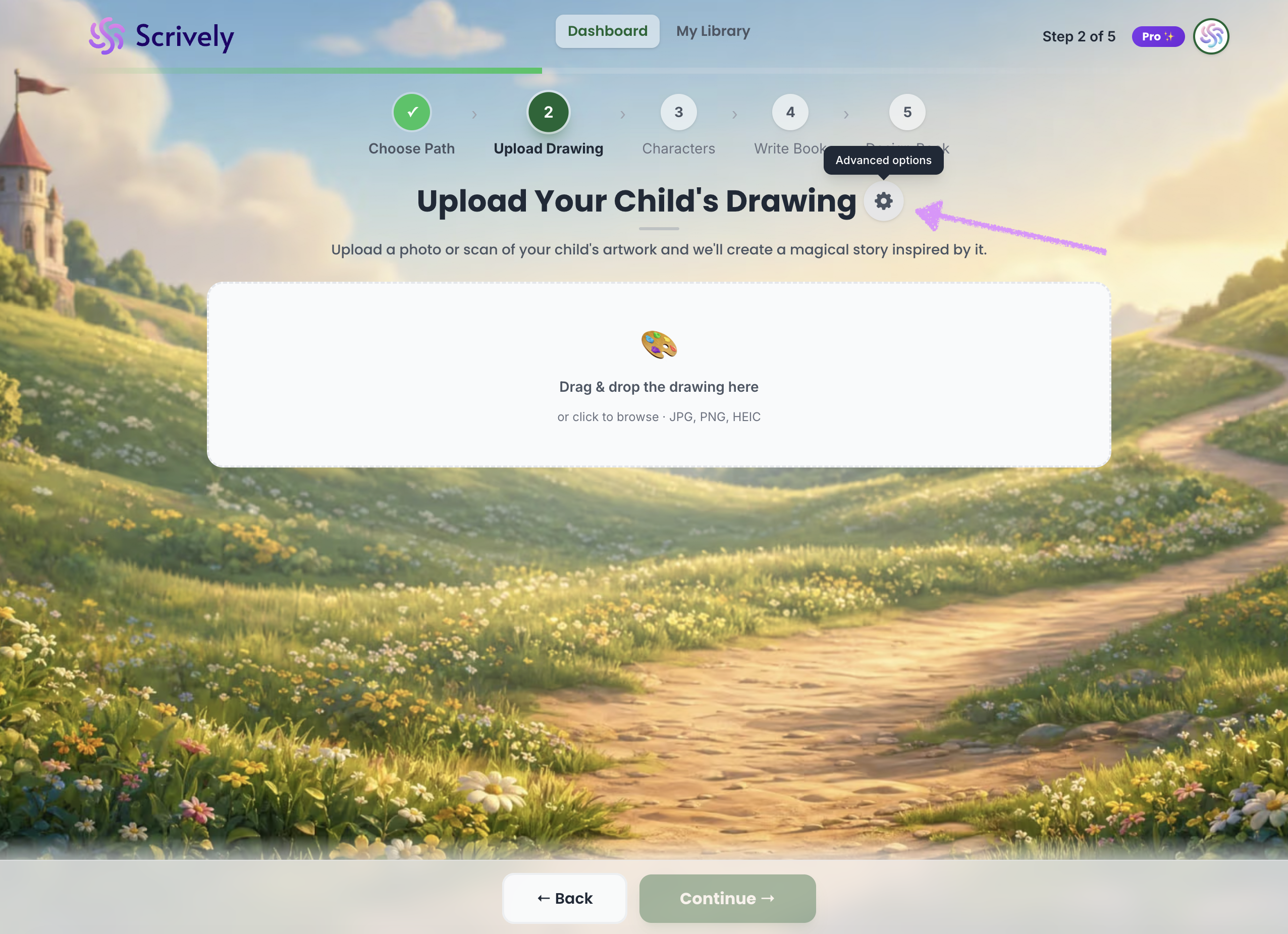
At the top, you’ll have the option to configure your “Advanced Options,” which we explain in more detail in our guide here.
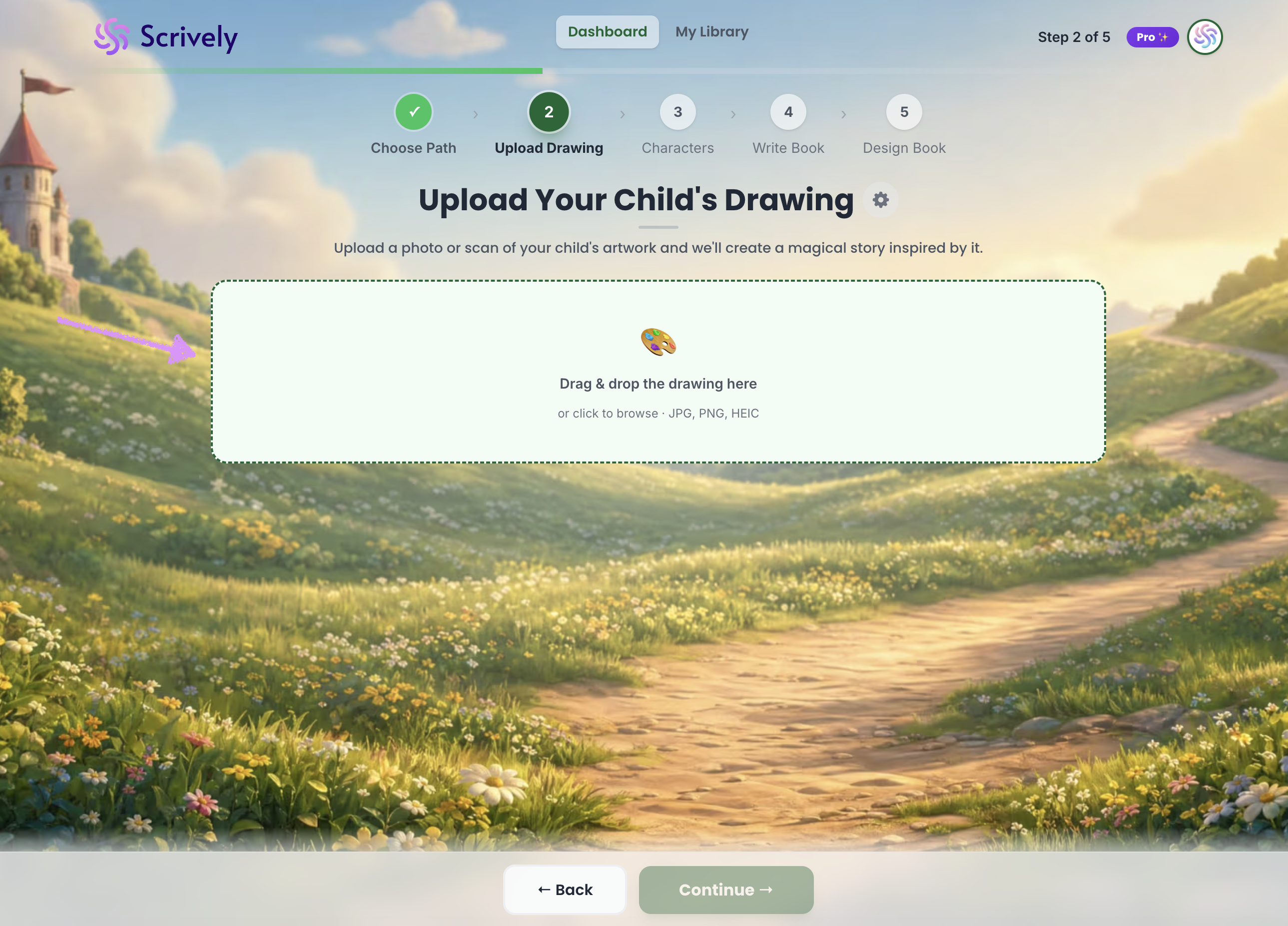
Drag and drop your drawing or browse your device to select a file and upload it into the provided field.
The drawing will be uploaded.
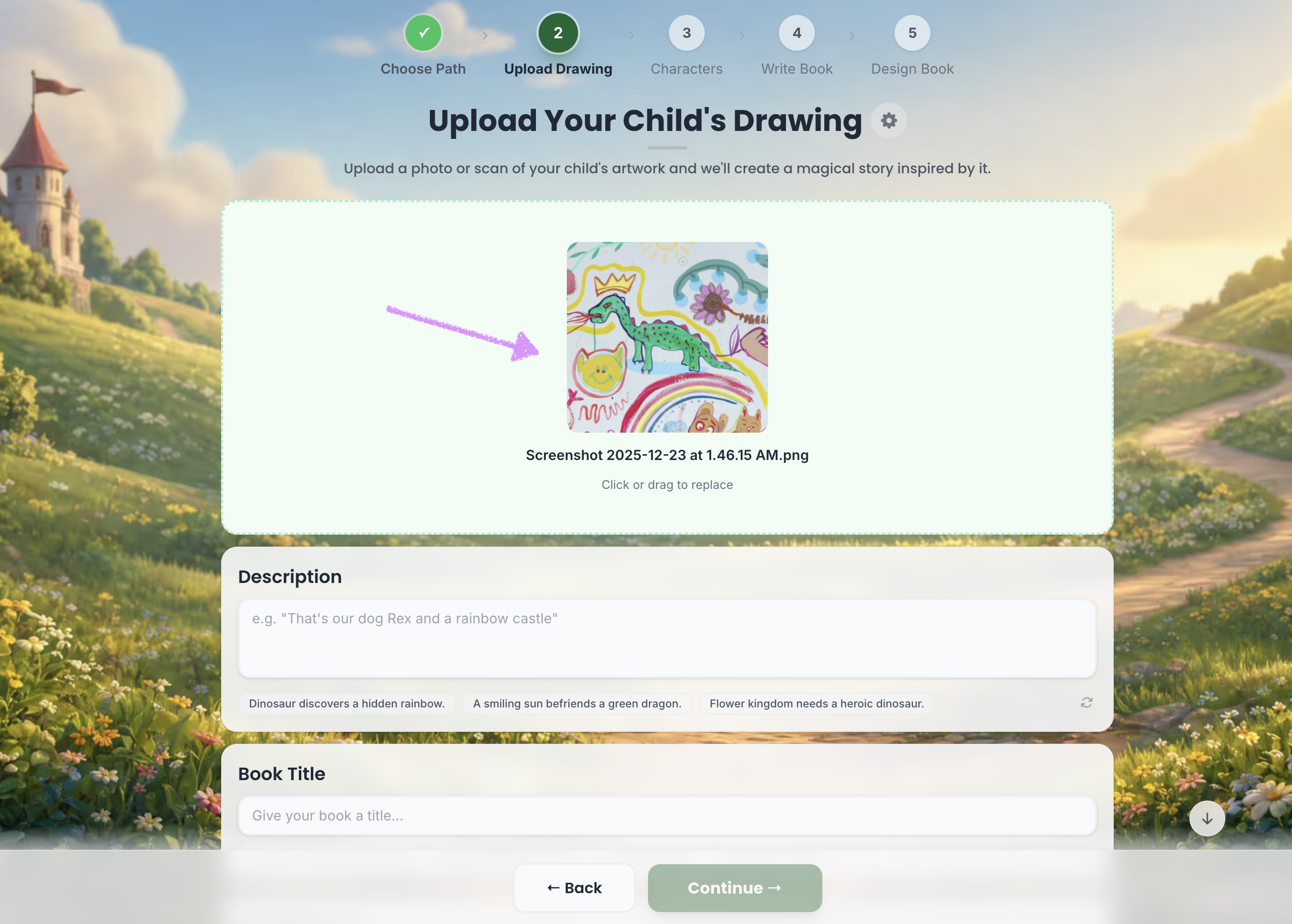
Add a description for your story.
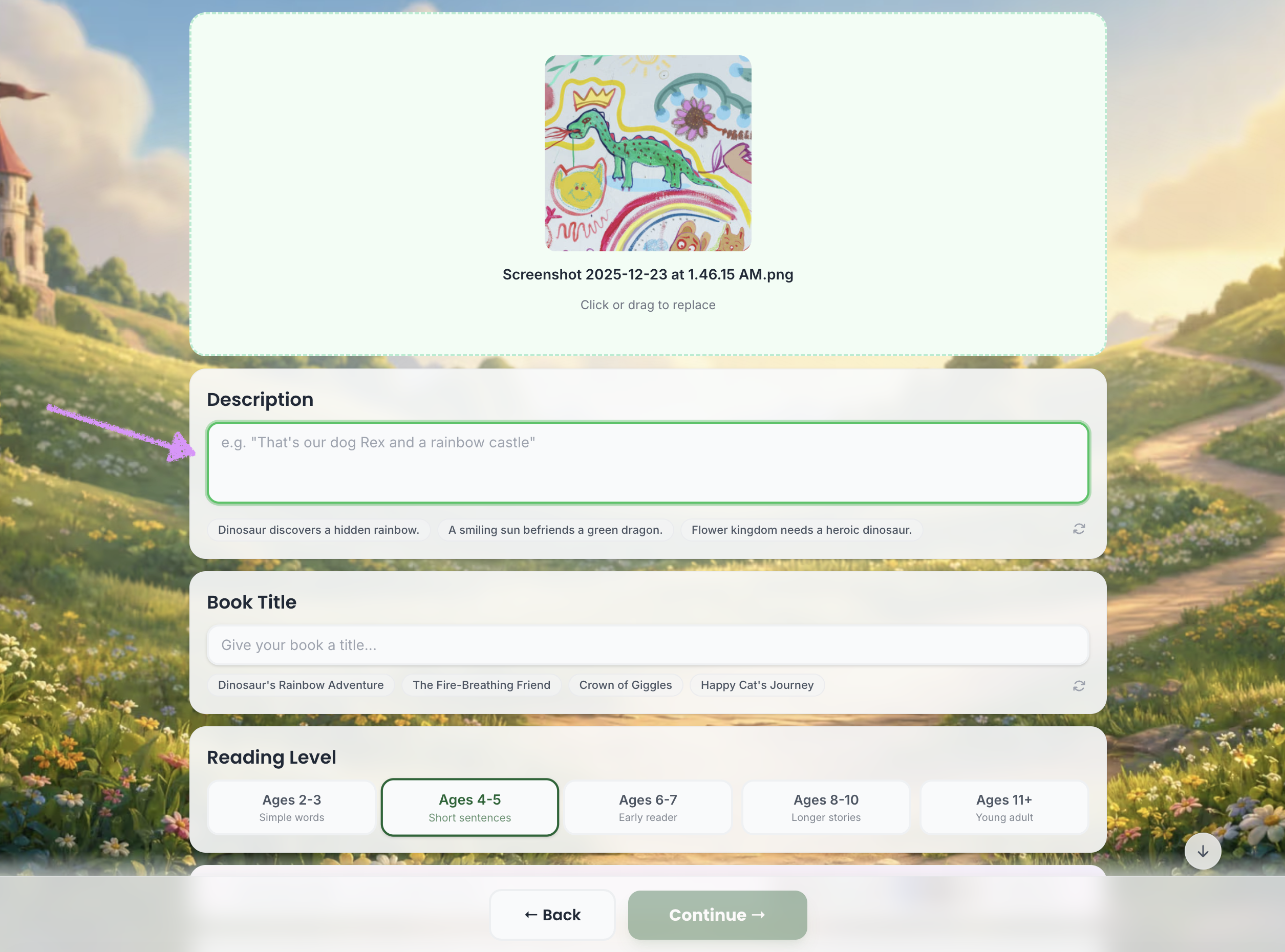
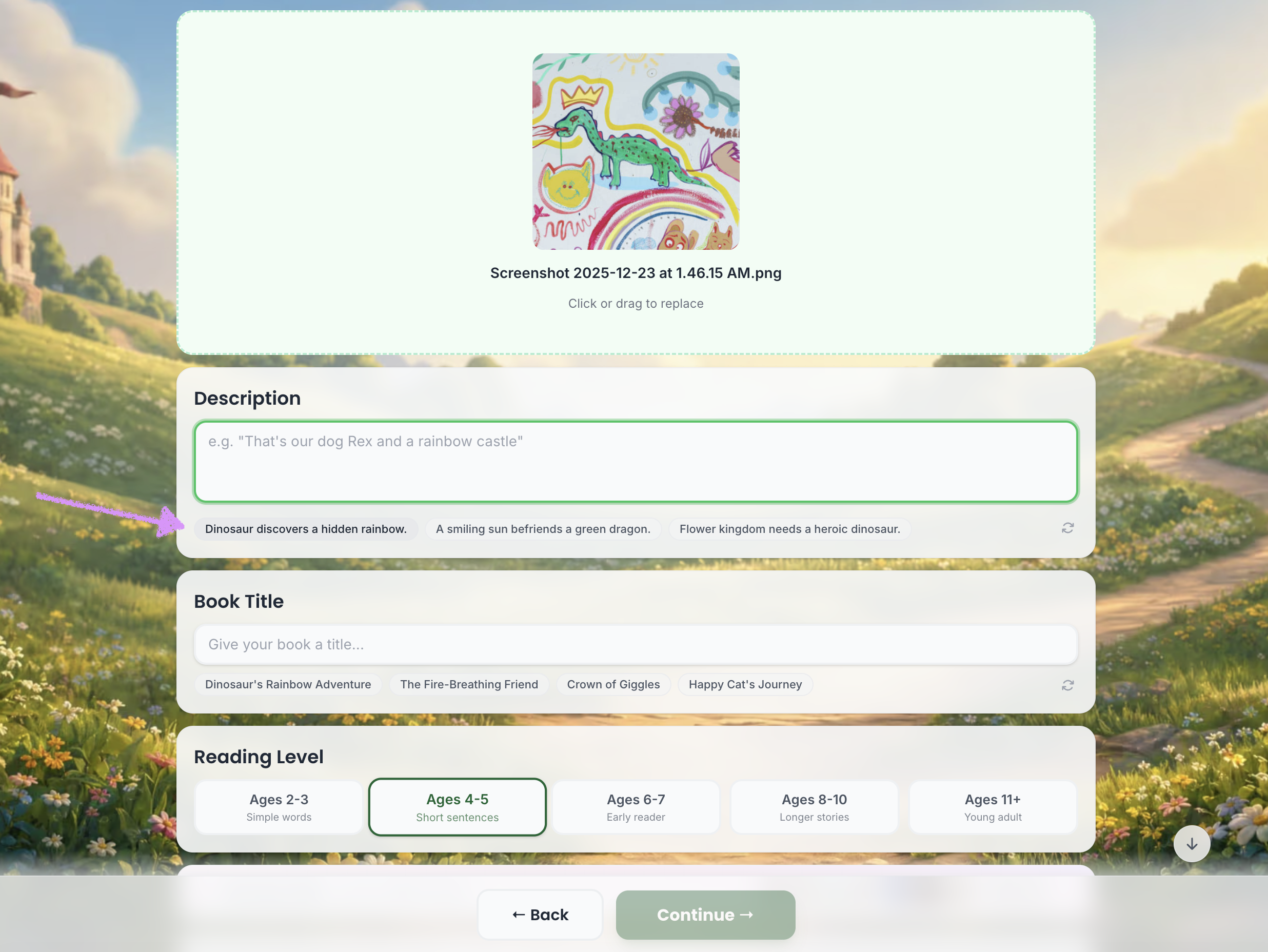
Or choose from the provided descriptions.
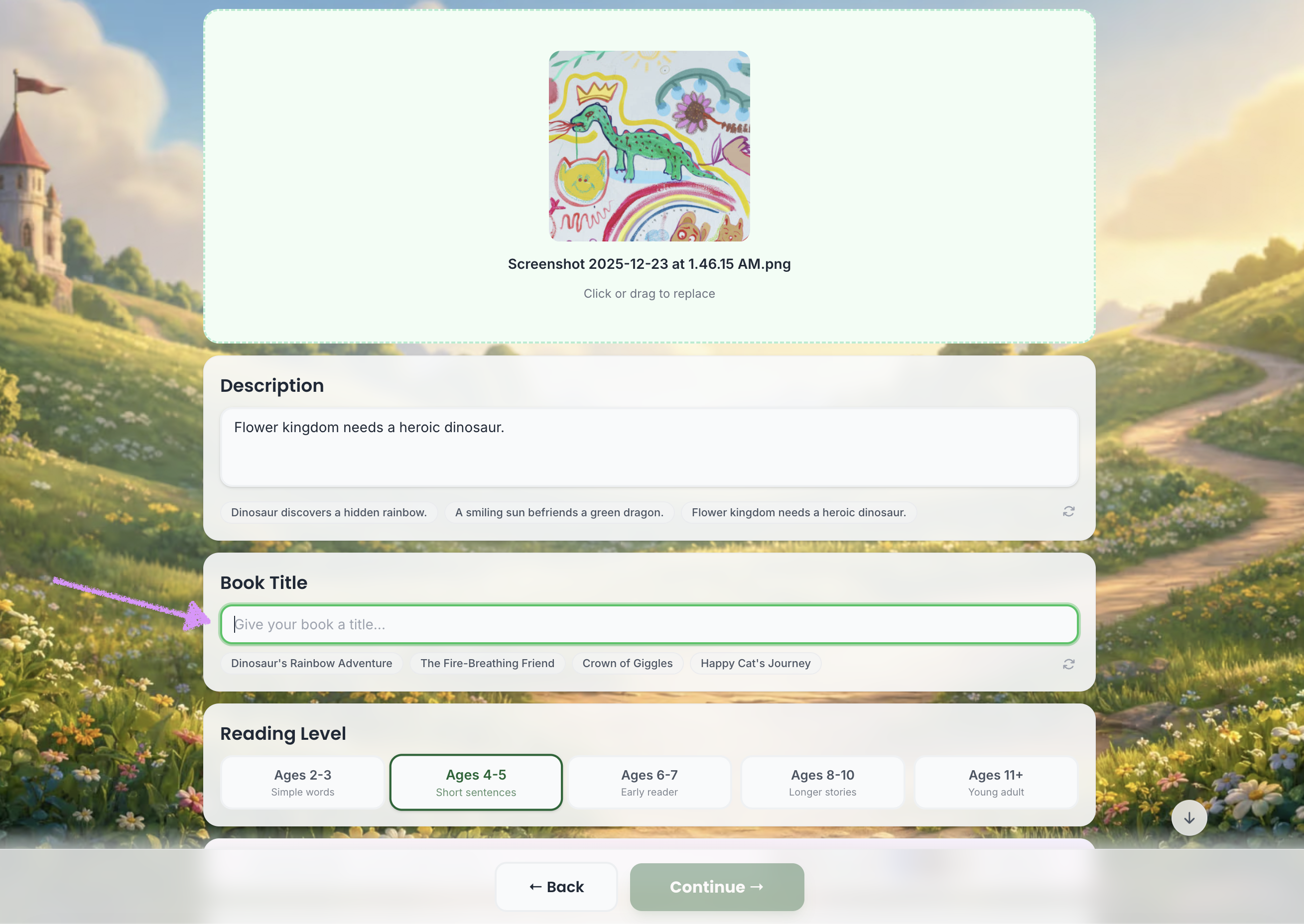
Add a "Book Title."
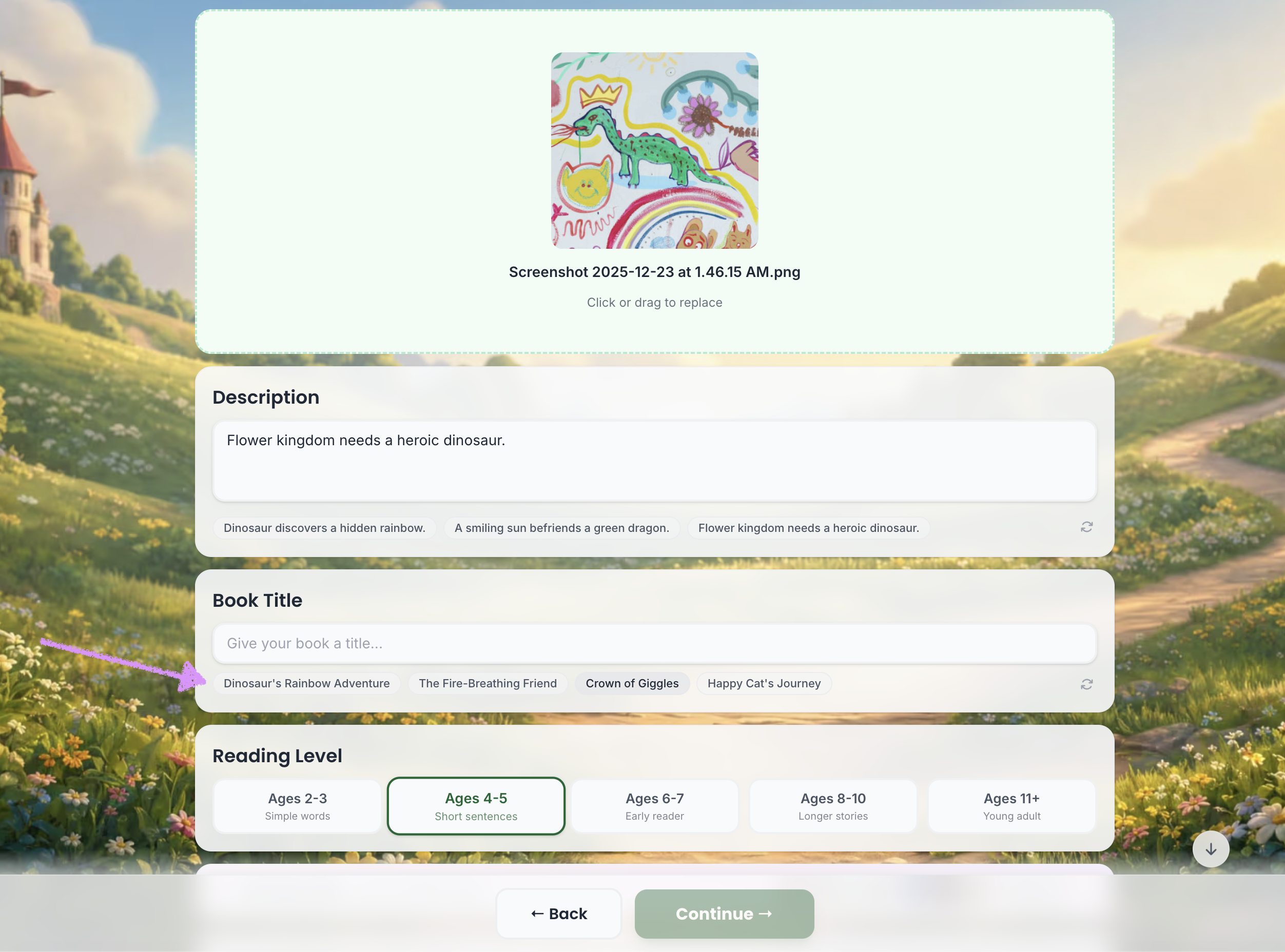
Or choose from the provide titles.
Choose the reading level.
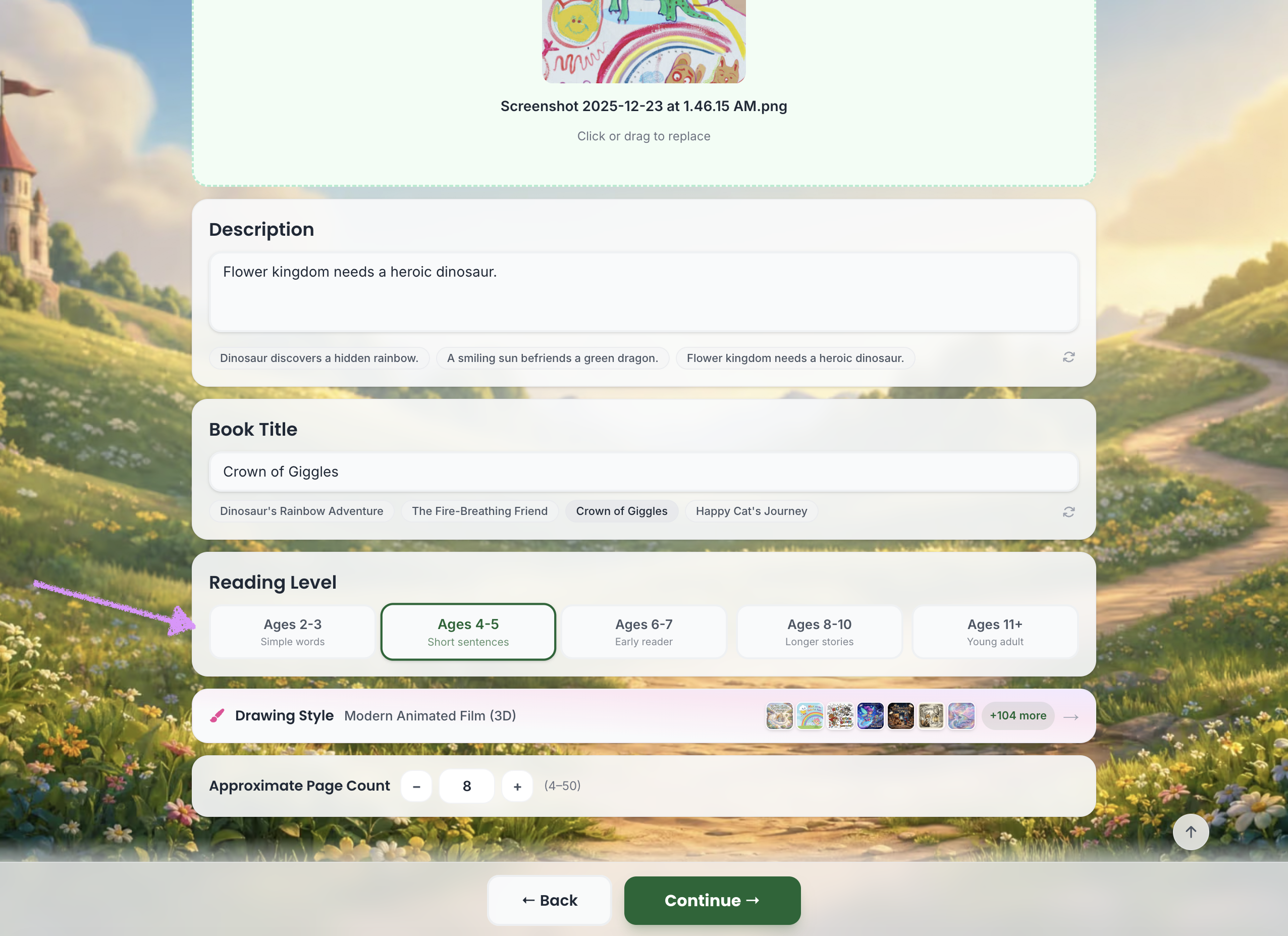
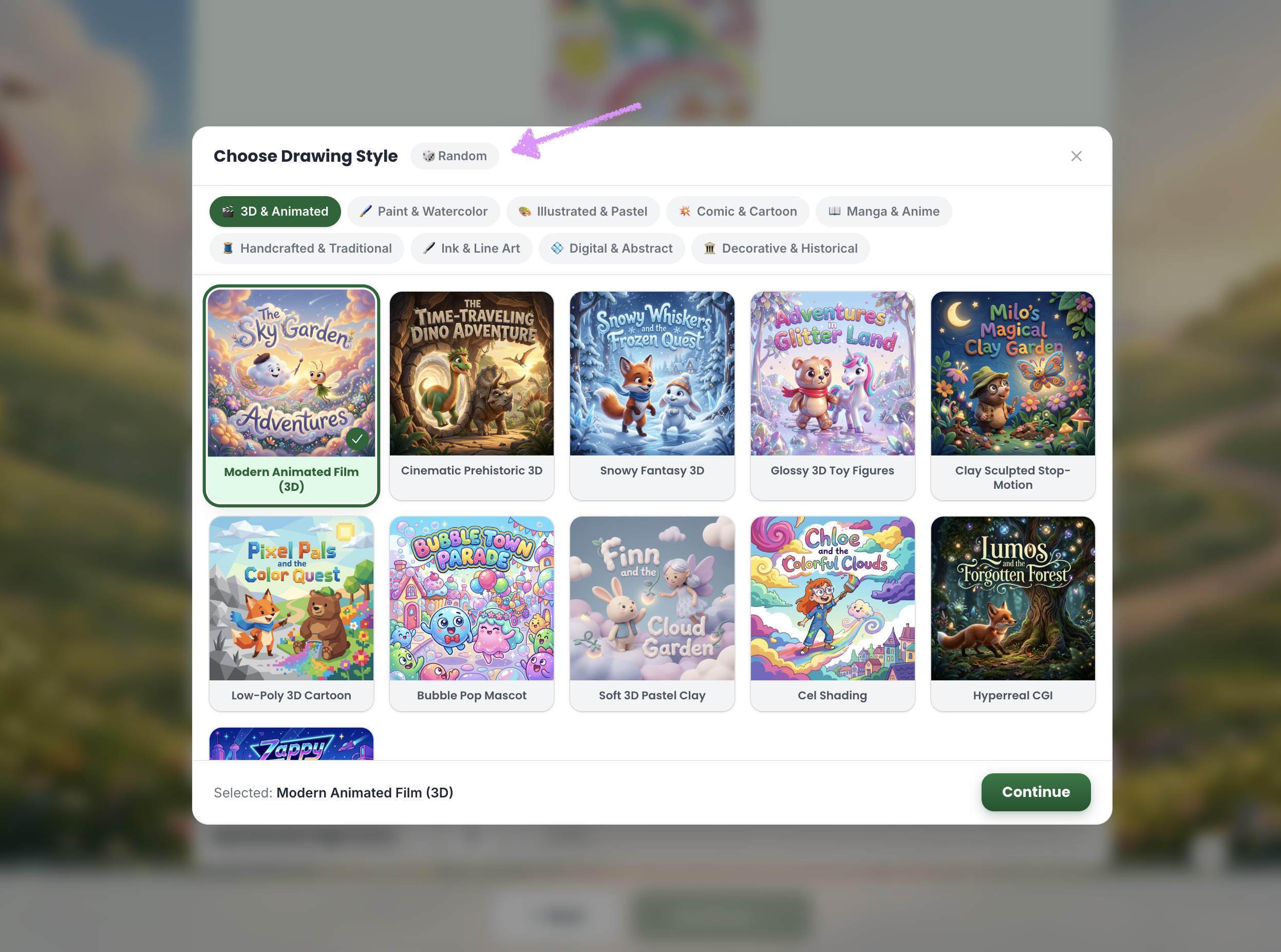
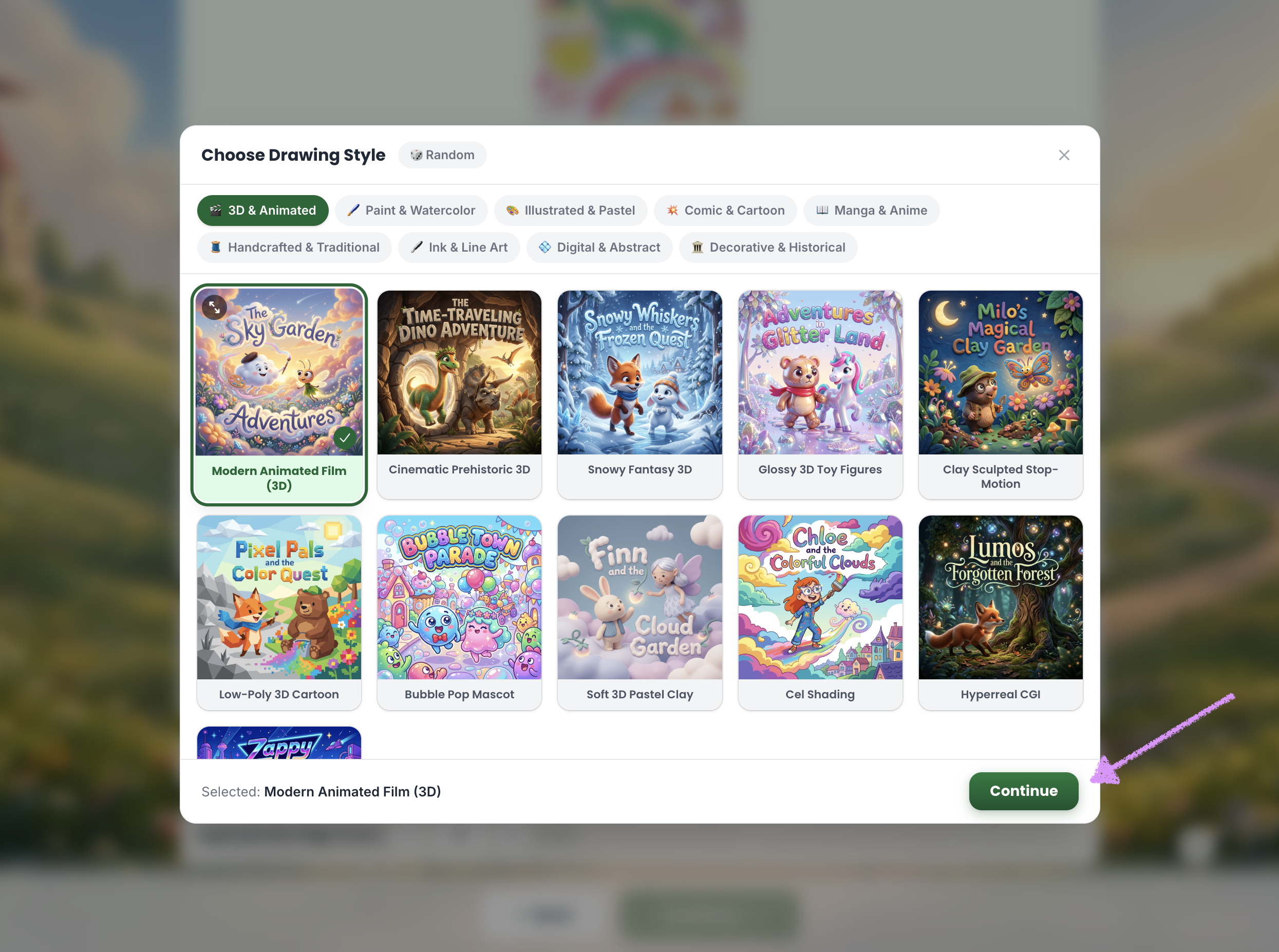
Select a "Drawing Style."
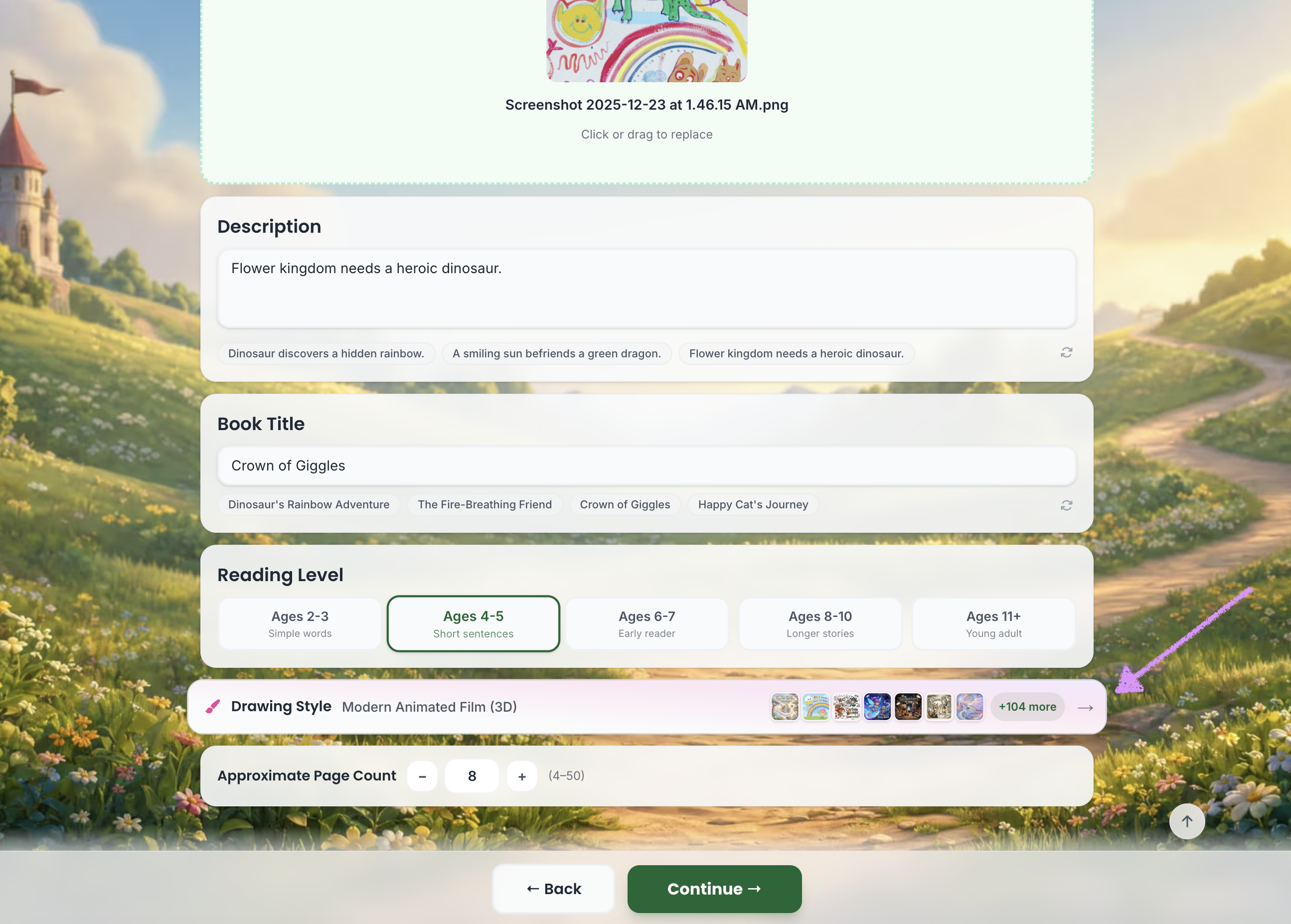
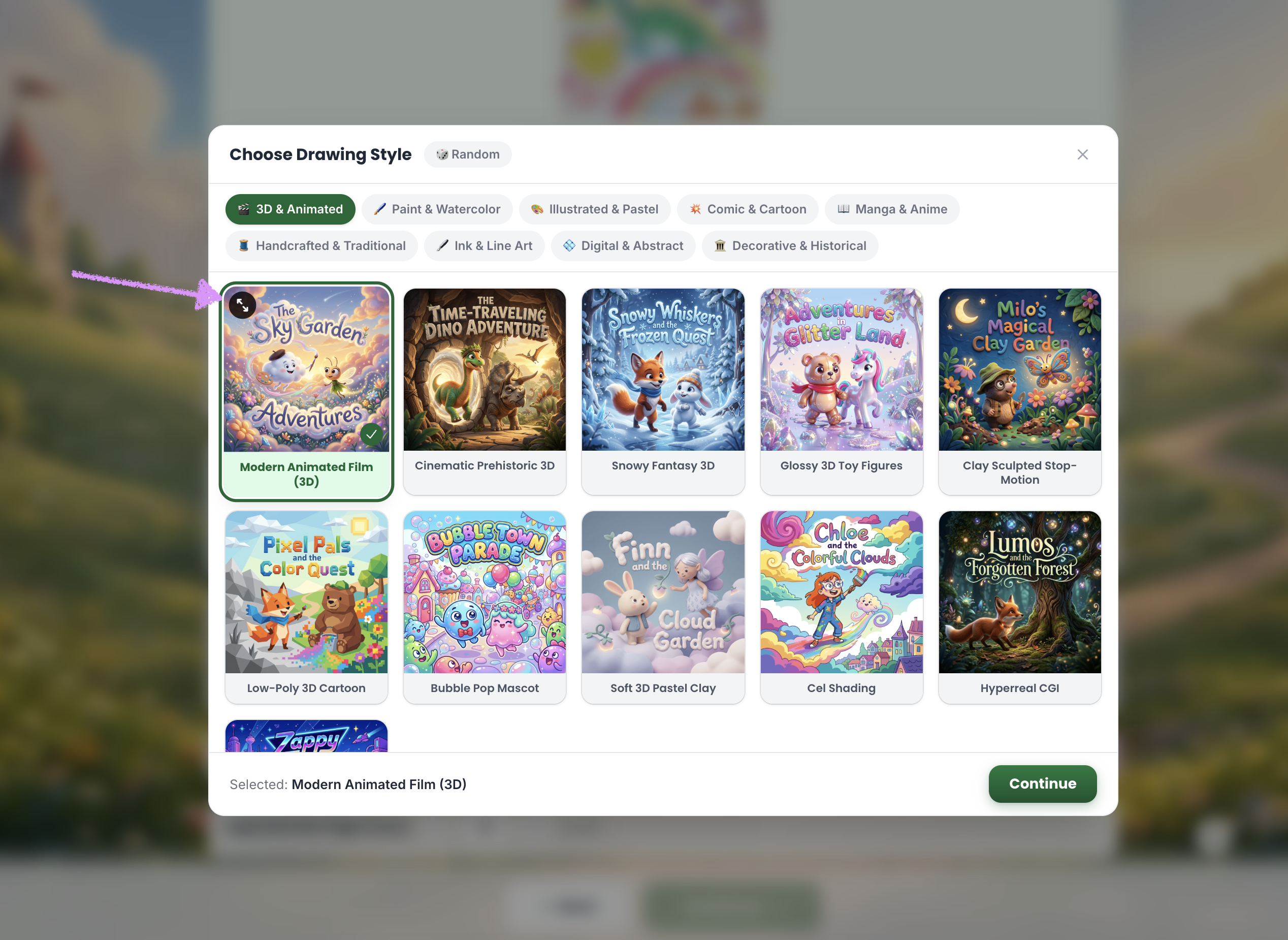
The Starter plan includes one style. One-time purchases include one style in each category. The Plus plan includes three styles per category, while the Pro plan unlocks all styles.Hover over the drawing style to reveal and click on the enlarge tool.
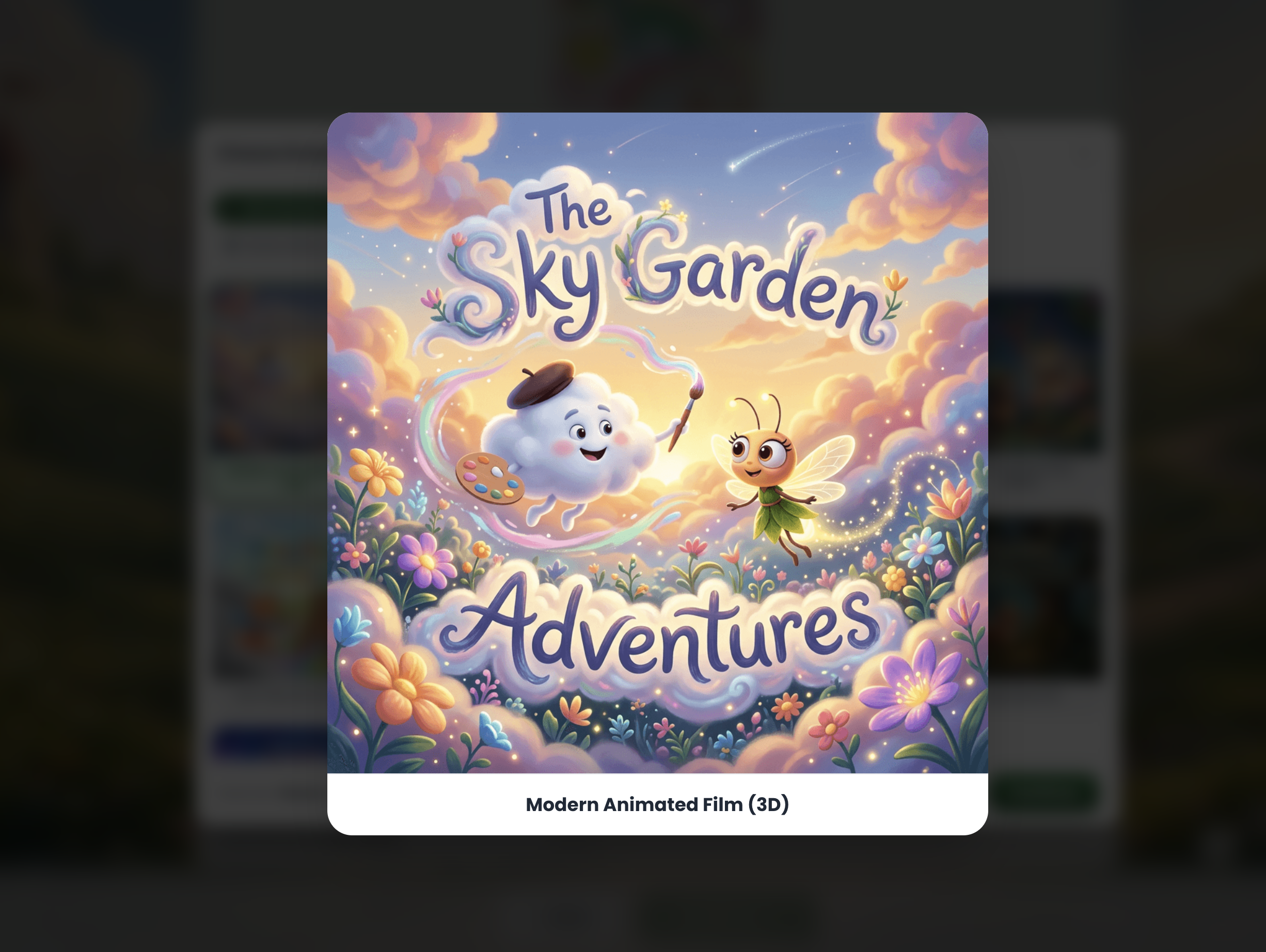
Once selected, you’ll see a full-size preview of the drawing style.
Want to let Scrively to select a style for you? Click on "Random."
Click on "Continue."
Select the "Approximate Page Count."
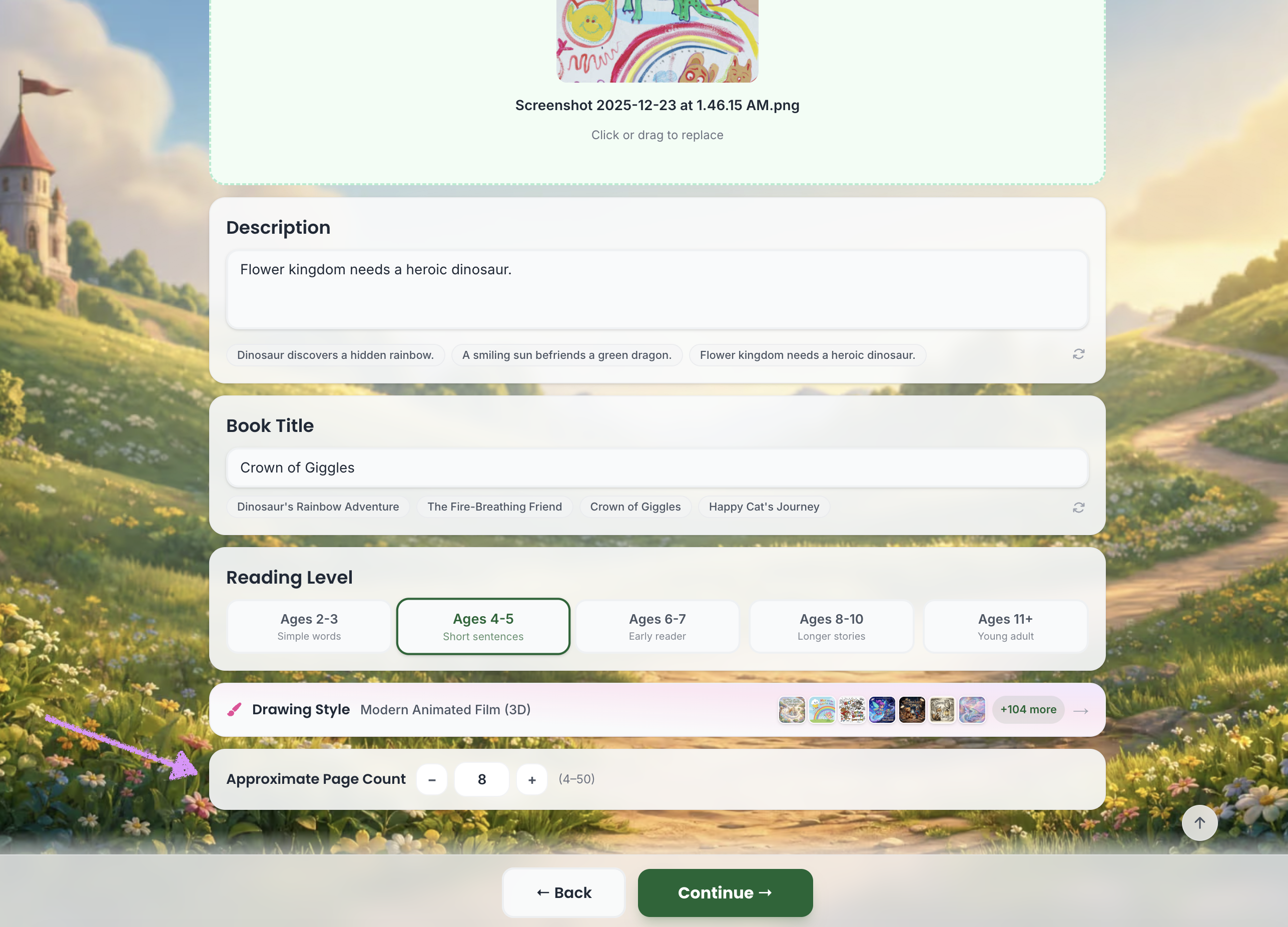
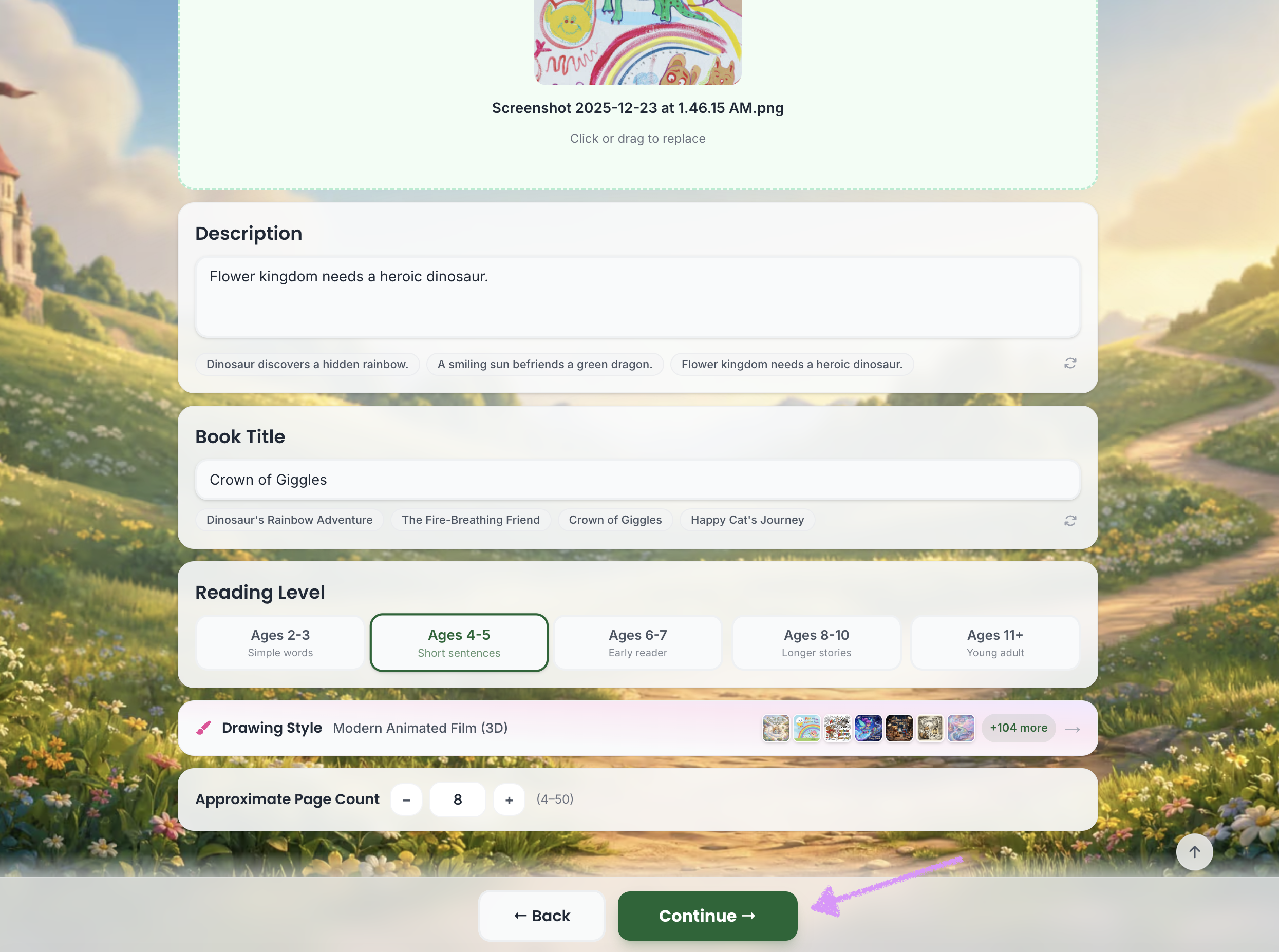
The Starter plan includes up to 15 pages. One-time purchases and the Plus plan includes up to 30 pages, while the Pro plan unlocks up to 50 pages.Click on "Continue." Head over to our guide here to learn more about creating characters.
Was this article helpful?
That’s Great!
Thank you for your feedback
Sorry! We couldn't be helpful
Thank you for your feedback
Feedback sent
We appreciate your effort and will try to fix the article
